
Print this page Your Phone as a Health Companion: Vitals, Medications and Emergencies
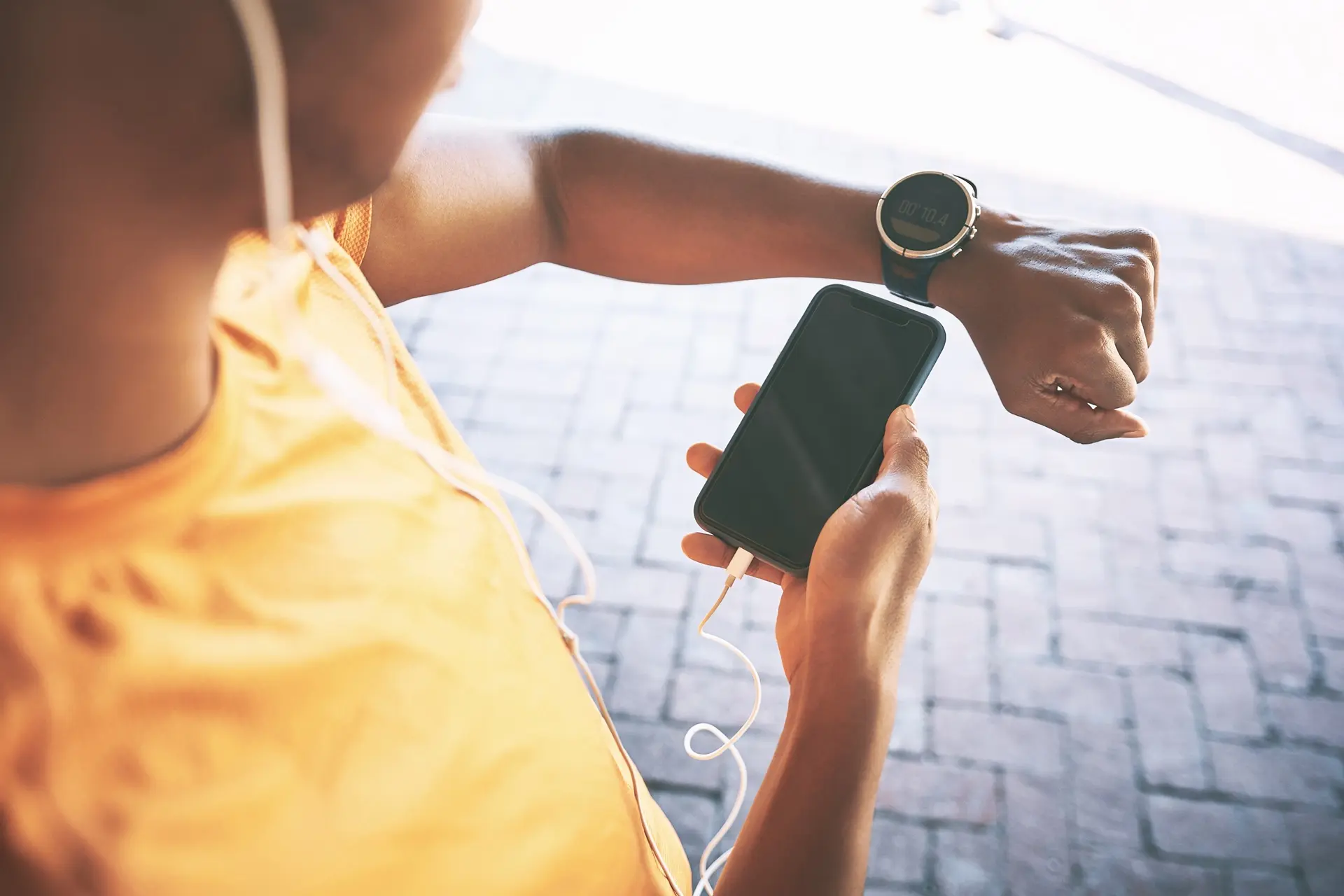
Empower yourself by transforming your iPhone or Android into a vital health and safety tool. Specifically designed for seniors, this 2.5-hour workshop focuses on the practical digital skills needed for the Australian healthcare landscape. Whether you want to ensure your safety in a crisis or stay organised with daily medications, this course provides the clarity and hands-on practice you need to stay in control.
Learn how to set up a life-saving profile, including allergies, medications, and emergency contacts, that first responders can access instantly from your locked screen. Master organisation using the latest tools, exploring the myGov and Health apps to view official records and electronic prescriptions. You will also learn to use modern AI assistants like Siri and Google Gemini to set hands-free medication reminders and log doctor appointments naturally, just by speaking to your phone. Gain confidence in health tracking by the end of the course you will be able to view monthly trends and securely share accurate records with your medical team.
Requirements
- Device: iPhone (iOS 26+) or Android (v16+) preferred. Older models (iOS 15+/Android 9+) welcome.
- Accounts: Must know your Apple ID or Google password.
- myGov: Active account linked to Medicare.
- Apps: Download the 1800MEDICARE app and Google Gemini (Android only) before class.
- Info: Bring a list of current medications, allergies, and one emergency contact name/number.
- Condition: Phone must be fully charged with a working SIM or Wi-Fi capability.
DELIVERY MODE
- Face-to-Face
COURSE OUTLINE
Emergency & Safety Setup
- Create Your Lifeline: Set up the Emergency Medical ID (iPhone/Android) accessible from the locked screen.
- Essential Data: Input crucial medical conditions, allergies, and current medications.
- Contacts & SOS: Add emergency contacts and review the quick-access SOS features.
Medication & Appointments
- Medication Reminders: Use a friendly app (Medisafe/Health) to schedule and track all your dosages.
- Appointment Manager: Log doctor visits in your Calendar with location and contact details.
- Alerts: Create reliable alerts to ensure you never miss a pill or appointment.
Tracking & Communication
- Vitals Tracking: Use your device's Health app to manually log readings (e.g., blood pressure, glucose).
- Photo Records: Securely photograph and store documents (prescriptions, cards).
- Communication: Practice reviewing and sharing your digital health records before appointments.
- Voice Commands: Use Siri/Google Assistant for simple, hands-free tasks.
LEARNING OUTCOMES
By the end of this course, students should be able to:
- Configure a life-saving Emergency Medical ID on iPhone (iOS 19+) or Android (v16+) that is accessible from a locked screen, ensuring first responders can view allergies and contacts instantly.
- Access the 1800MEDICARE app (formerly My Health Record) to view official Australian digital prescriptions and pathology results.
- Manage medications using AI-integrated apps, setting reliable recurring reminders and tracking adherence through simple notifications.
- Log and monitor key vitals (such as blood pressure or glucose) into a secure Health dashboard to identify and view monthly health trends.
- Digitise medical documents securely by scanning prescriptions or cards into password-protected "Locked Notes" or "Secure Folders."
- Use natural language voice commands (Siri or Gemini) to hands-free log health data, check appointments, and set medication timers.
- Navigate privacy settings to ensure personal health data remains "on-device" and secure from unauthorised access.